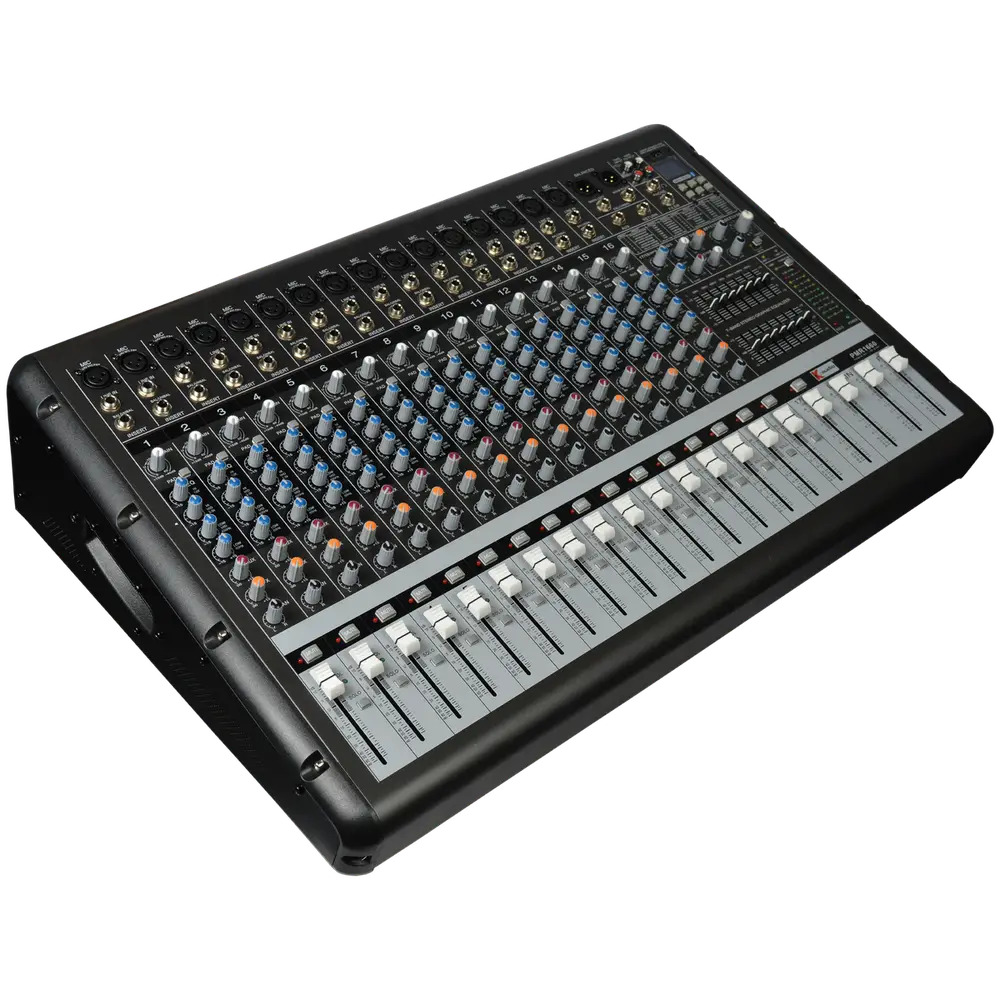
Most PA problems are setup problems, not equipment problems. Work through the chain in the right order and you eliminate the majority of noise, feedback and level issues before you ever touch an EQ.
Plan the chain, position speakers in front of microphones, power up sources then mixer then amplifier, set input gain before touching faders, then EQ subtractively and ring out the room.
Plan the signal chain before you plug anything in
Sources go to the mixer. The mixer feeds the amplifier. The amplifier feeds the speakers. Any processing sits between mixer and amplifier, never after it.
Write down every input you need: vocal mics, instruments, playback, wireless receivers. Count them, then confirm your mixer has that many channels plus spares. Discovering you are two channels short during setup wastes an hour.
Position speakers before powering up
Mains go in front of the microphones, never behind them. Any microphone that sits in front of a speaker will feed back at some level, and no EQ fully solves it.
Raise cabinets so the high-frequency driver is roughly at or just above head height of a standing audience. Angle them down into the seating rather than firing over it.
Power up in the right order
Turn on sources first, then the mixer, then the amplifier last. Power down in reverse: amplifier first.
This prevents the switch-on thump that travels through the system and can damage drivers. It costs nothing and takes five seconds.
Gain staging, the step most people skip
With the channel fader down, speak or play at performance level and raise the input gain until the channel meter peaks around 0 dB. Do this per channel before touching any faders.
Correct gain gives you clean level with low noise. Too little gain and you amplify hiss later. Too much and you clip at the input where no fader can rescue it.
EQ subtractively, then ring out the room
Cut problem frequencies rather than boosting what you want. Boosting adds energy that pushes the system closer to feedback.
To ring out, slowly raise the master until you hear the first feedback tone, find that frequency on the graphic EQ and cut it a few dB. Repeat two or three times, then back the master off. Do not chase every frequency, or you will hollow out the sound.
| Step | Action | Common mistake |
|---|---|---|
| 1 | Plan inputs and count channels | Discovering a shortage on site |
| 2 | Position speakers ahead of mic line | Speakers behind microphones |
| 3 | Connect everything, amp off | Hot-plugging into a live amp |
| 4 | Power on: sources, mixer, amp | Amplifier on first, causing thump |
| 5 | Set gain per channel | Raising faders with no gain set |
| 6 | EQ and ring out | Boosting rather than cutting |
Soundcheck method that saves time
Check one source at a time with all others muted. Get each sounding correct alone before building the mix. Trying to fix a full band at once wastes time and hides problems.
Start with the most important source, which for most events is the lead vocal or the speaker's microphone, and build the rest around it.
Once the mix is built, walk the room. The mixing position is rarely representative, especially if it is against a rear wall where bass builds up.
Setting monitors without causing feedback
Monitors point at performers who are holding microphones, so they are the most feedback-prone part of any system. Bring them up slowly and only to the level actually needed.
Use a separate graphic EQ on the monitor send if available, and ring it out independently from the mains.
Encourage performers to ask for less of what they cannot hear rather than more of everything, which simply raises the whole stage level toward feedback.
Documenting the setup for next time
Photograph the mixer once the system sounds right. That single photo saves the next setup considerable time.
Note gain settings, EQ curves and speaker positions. For a venue you return to regularly, this turns a two-hour setup into thirty minutes.
Label every cable and input. Labelled systems get repaired faster when something fails mid-event.