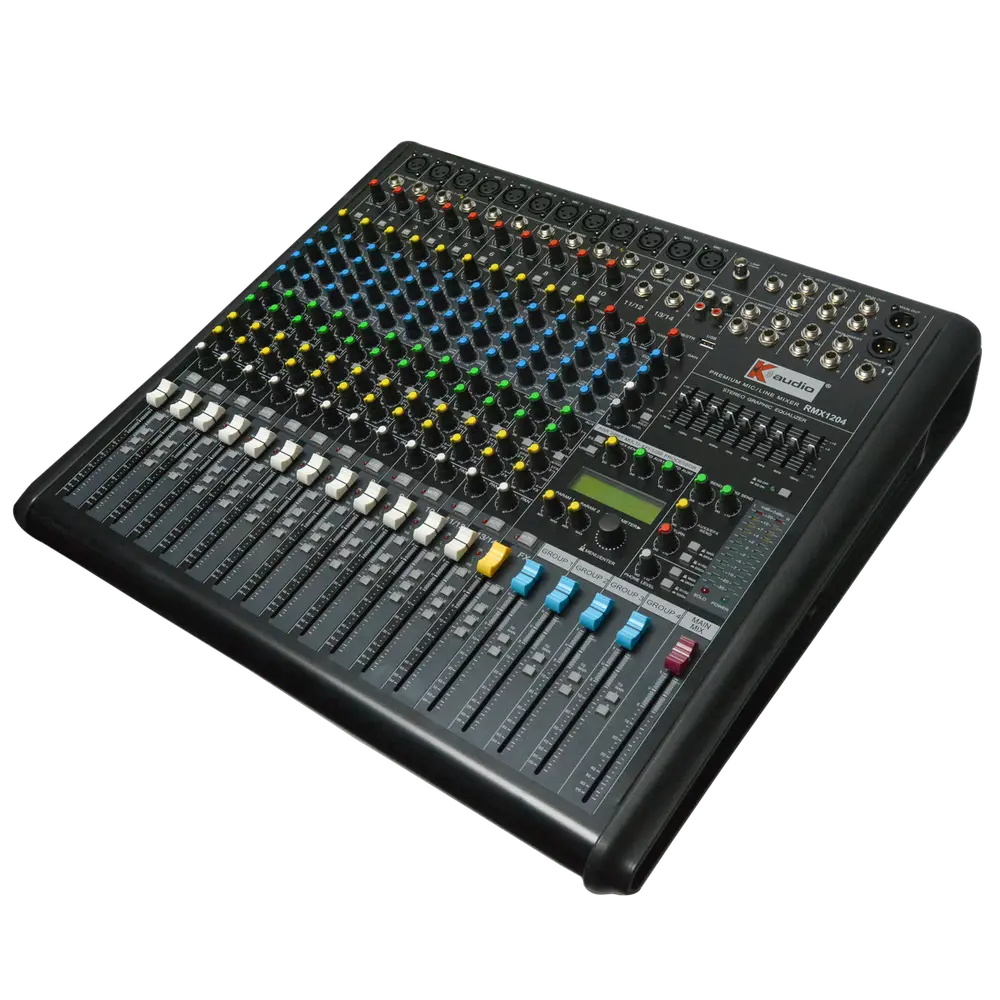
Gain staging is the single most neglected skill in live sound, and the majority of systems that sound noisy, thin or distorted are suffering from it rather than from equipment limitations. It costs nothing to get right.
Set input gain so the channel meter peaks around 0 dB with the source at performance level, before touching faders. Correct gain sits the signal comfortably above the noise floor and below clipping at every stage.
| Symptom | Likely cause | Fix |
|---|---|---|
| Hiss when faders are up | Gain too low, fader compensating | Raise input gain, lower fader |
| Distortion at moderate volume | Gain too high, clipping input | Reduce input gain |
| System quiet at full master | Low gain throughout chain | Correct gain per channel |
| Meters fine but amp clipping | Output level too high for amp | Reduce master or amp input |
Headroom and noise floor: the window you work in
Every device has a noise floor below which signal is lost in hiss, and a clipping point above which it distorts. The usable window between them is the dynamic range.
Gain staging means placing the signal in the middle of that window at every stage. Too low and you amplify noise later; too high and you clip where no downstream control can recover it.
Once a signal is clipped at an input, it is permanently damaged. No fader, EQ or processing further down the chain can undo it.
Setting input gain correctly
Bring the channel fader down, have the source produce sound at realistic performance level, and raise the input gain until the channel meter peaks around 0 dB with occasional brief excursions above.
Do this for every channel before building the mix. Setting gain while the mix is running leads to compromise settings that fit the moment rather than the source.
Use the channel solo or PFL function so you are metering that channel specifically rather than the mix.
The classic mistakes
Turning gain up because the system is quiet, when the actual problem is a master or amplifier level set low. This clips inputs while the system still sounds quiet.
Running all faders near the bottom of their travel, which indicates gain is too high and leaves no useful resolution for adjustment.
Compensating for a weak source with fader rather than gain, which raises the noise floor along with the signal.
Gain structure through to the amplifier
The mixer output should be driving the amplifier at a sensible level, with the amplifier input attenuators set so the amplifier reaches full output at around the mixer's nominal level.
Amplifier attenuators turned right down while the mixer runs at maximum produces a noisy system. The reverse, with the amplifier wide open and the mixer low, produces a system that clips easily and hisses.
Set the amplifier so its clip indicators begin to flicker only at the loudest passages you intend to run.