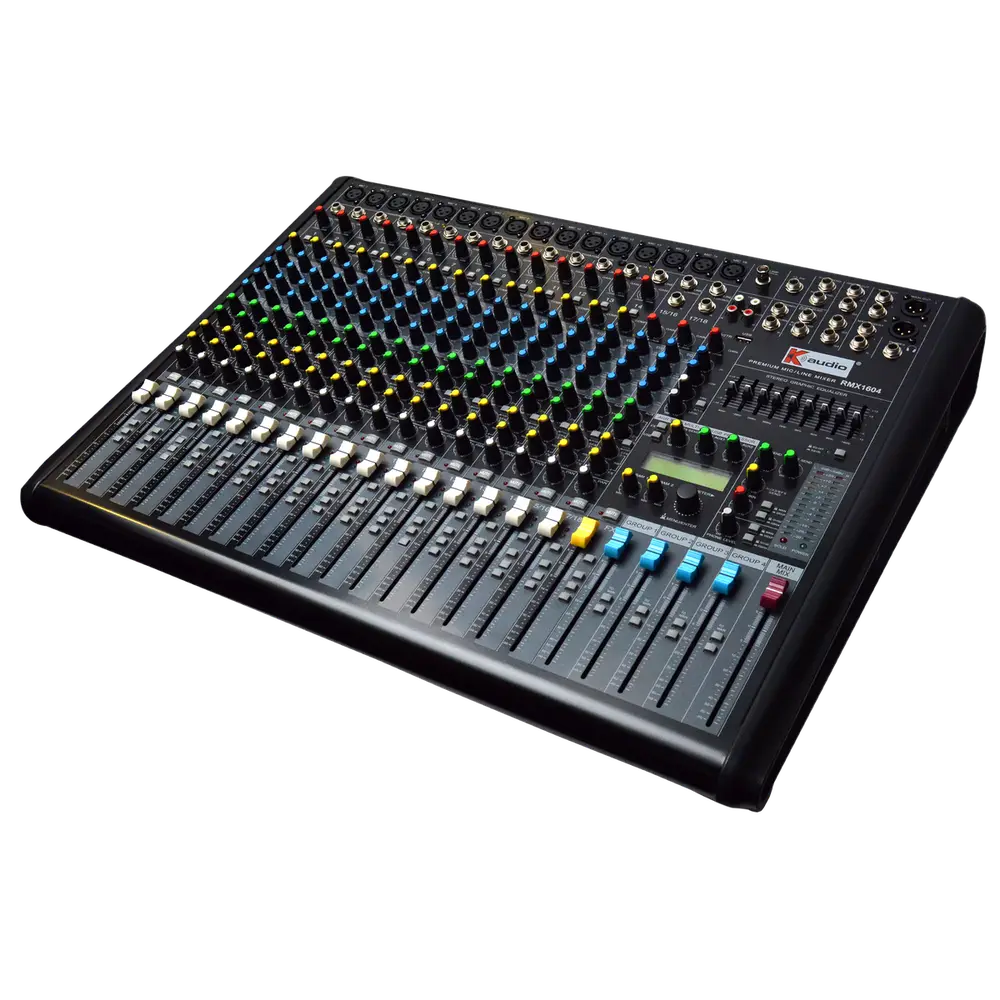
Equalisation is the most misused control on any mixer. Used well it removes problems. Used badly it creates them, because every boost adds energy that pushes the system closer to feedback and eats headroom.
Cut problems rather than boosting what you want. High-pass everything that is not a bass source. The 200 to 400 Hz region is where muddiness lives, and 2 to 4 kHz is where harshness and feedback usually appear.
| Range | Character | Common action |
|---|---|---|
| 20 to 80 Hz | Sub bass, felt more than heard | High-pass unless bass source |
| 80 to 250 Hz | Body and warmth | Cut to reduce boom |
| 250 to 500 Hz | Muddiness, boxiness | Most common cut region |
| 500 Hz to 2 kHz | Presence and intelligibility | Gentle shaping |
| 2 to 4 kHz | Clarity, also harshness | Cut for harsh vocals |
| 4 to 8 kHz | Definition, sibilance | Cut for excessive S sounds |
| 8 to 20 kHz | Air and sparkle | Small boost if dull |
Start with the high-pass filter
Almost every channel that is not a kick drum, bass guitar or subwoofer feed benefits from a high-pass filter. Vocals rarely need anything below 100 Hz.
Removing that content clears headroom, reduces stage rumble and handling noise, and dramatically cleans up the low-mid region where many sources overlap.
This single step improves more live mixes than any other EQ move, and it costs nothing in tone when set sensibly.
Why cutting beats boosting
Boosting adds energy, which consumes headroom and increases feedback risk at the boosted frequency. Cutting removes the problem and leaves everything else intact.
If a vocal sounds dull, the usual cause is excess low-mid rather than insufficient treble. Cutting around 300 Hz often achieves what a treble boost was attempting, without the added harshness.
As a discipline, make cuts first and only reach for boosts when a cut cannot achieve the result.
Finding a problem frequency quickly
Set a parametric band to a narrow width and a large boost, then sweep it slowly across the range. The offending frequency will jump out unpleasantly.
Once located, invert the boost into a cut and reduce the width until only the problem is affected. This takes seconds with practice.
Be sparing. Three or four surgical cuts across a channel is normal. A dozen suggests the source or the microphone position is the real problem.
Graphic EQ on the output and ringing out
The output graphic EQ exists mainly to correct room resonances and to gain feedback margin, not to shape tone.
Ring out by raising the master until the first feedback tone appears, cutting that band a few dB and repeating a small number of times.
Stop after three or four cuts. Beyond that you are hollowing out the system to compensate for a placement problem that should be solved physically.