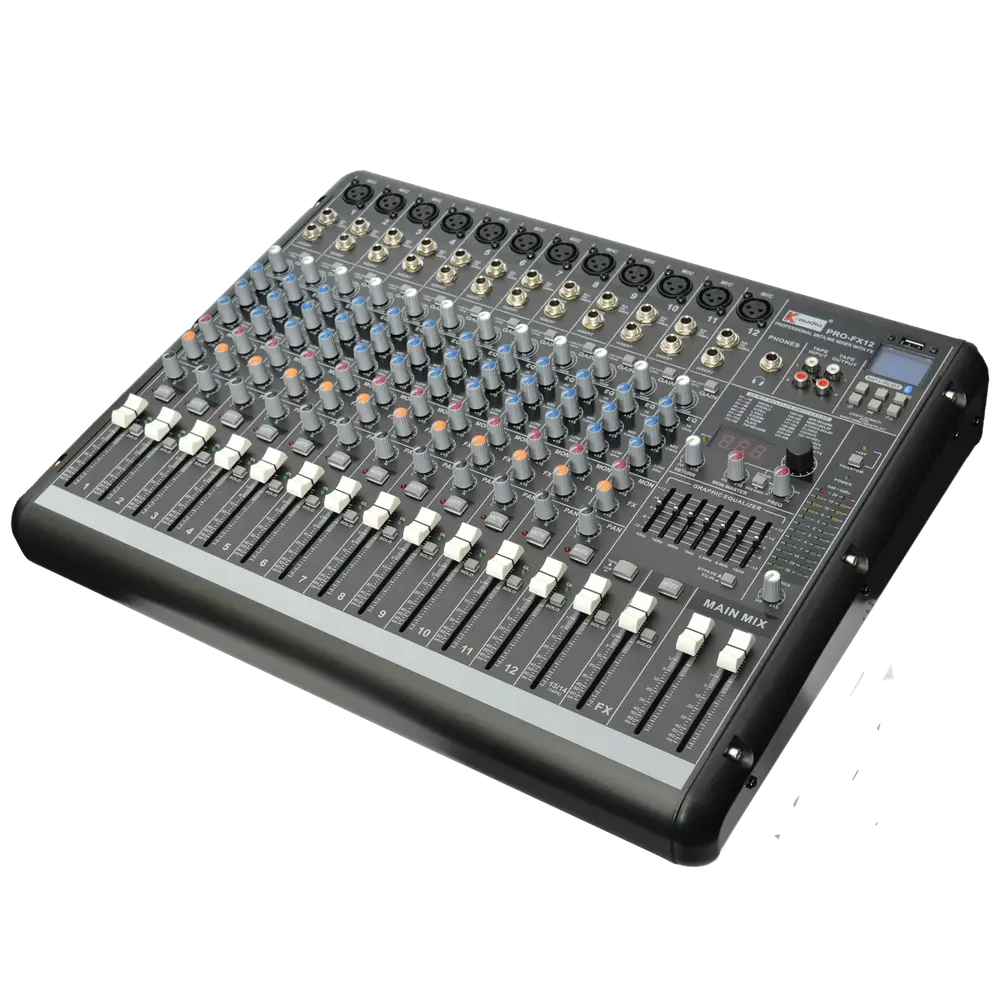
The choice is less about audio quality than about workflow. Digital consoles offer recall and processing that analogue cannot match, but they demand more from whoever operates them, which matters enormously in volunteer-run venues.
Choose analogue where operators change frequently, the setup rarely changes and immediate hands-on control matters. Choose digital where you need scene recall, extensive processing per channel, or multiple different events using the same room.
| Factor | Analogue | Digital |
|---|---|---|
| Scene recall | None | Full |
| Processing per channel | External only | Built in |
| Learning curve | Shallow | Steeper |
| Operator changeover | Very forgiving | Requires training |
| Physical controls | One per function | Layered or assignable |
| Failure mode | Usually partial | Can be total |
The case for analogue in shared venues
Every control is visible and does one thing. A new operator can look at the desk and understand its state immediately, which is invaluable where volunteers rotate.
There is no boot time, no firmware, and a fault typically affects one channel rather than the whole console.
For a venue where the setup is essentially the same every week, the recall advantage of digital delivers little and the simplicity of analogue delivers a lot.
The case for digital in multi-use spaces
Scene recall is transformative where the same room hosts different events. A school hall running assemblies, drama and sport can store a scene for each.
Every channel gets compression, gating and parametric EQ without a rack of outboard, which for a comparable analogue setup would cost far more.
Remote control from a tablet allows the operator to walk the room and adjust from where the audience actually sits, which is a genuine advantage.
What actually goes wrong with each
Analogue faults tend to be local: a scratchy fader, one dead channel, a failing pot. The event usually continues.
Digital faults tend to be systemic. A firmware or power problem can silence everything, so a tested backup plan matters more.
Whichever you choose, save and export settings regularly. On digital that means backing up scene files; on analogue it means photographing the desk.
Matching the desk to the operator, not the specification
The best console is the one your actual operators can use confidently under pressure. A feature-rich digital desk operated by someone who has not been trained will underperform a simple analogue desk operated well.
If choosing digital for a volunteer-run venue, budget for training and build a locked default scene that anyone can recall to recover from a mistake.
Consider how the room will be used in five years, not just today. Multi-purpose rooms drift toward needing recall over time.