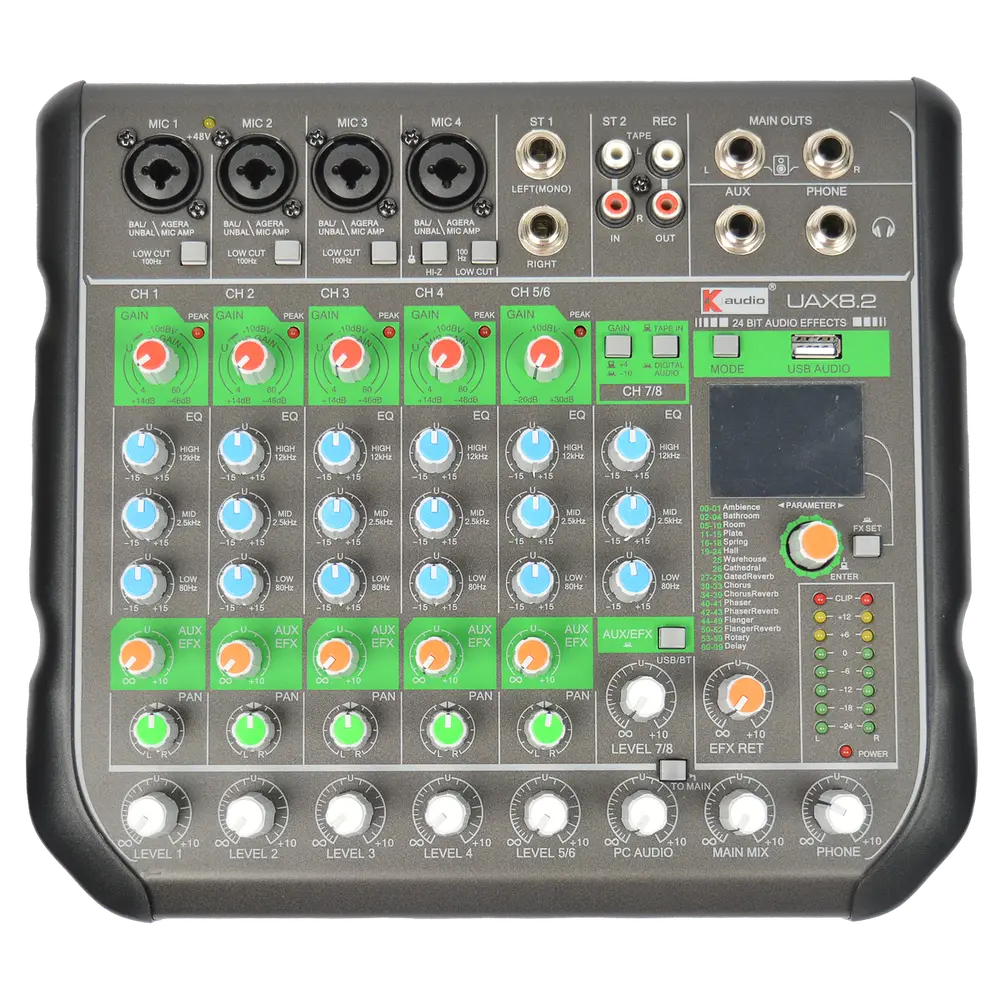
Cables cause a large share of live audio faults, and most of those faults trace back to using the wrong type rather than to a broken conductor. Knowing which cable belongs where eliminates hum, noise and a class of problems that are otherwise hard to diagnose.
Use balanced XLR or TRS for microphone and line signals, especially over distance. Use unbalanced TS only for short instrument runs. Use Speakon for speaker connections at any meaningful power. Never use an instrument cable to connect a speaker.
| Connector | Signal type | Balanced | Typical use |
|---|---|---|---|
| XLR | Mic and line | Yes | Microphones, long line runs |
| TRS jack | Line | Yes | Balanced line, inserts, some monitors |
| TS jack | Instrument | No | Guitar and keyboard, short runs |
| Speakon | Speaker level | N/A | Amplifier to passive speaker |
| RCA | Line | No | Consumer playback sources |
Balanced versus unbalanced, and why it matters
An unbalanced cable carries the signal on one conductor with a shield as the return. Any interference the cable picks up along its length is added to the signal.
A balanced cable carries the same signal twice, one copy inverted, on two conductors inside a shield. At the input the inverted copy is flipped back and the two are summed. Interference picked up equally by both conductors cancels.
This is why balanced connections tolerate long runs and unbalanced connections do not. Beyond about six metres, an unbalanced line becomes an effective aerial for whatever electrical noise is nearby.
Speaker cable is not instrument cable
Instrument cable has a single thin conductor and a shield, designed for low current. Speaker cable has two heavy conductors and no shield, designed for high current.
Connecting a speaker with an instrument cable produces losses, heat and potential failure, because the thin conductor cannot carry amplifier output current safely.
Speakon connectors exist because they lock, cannot be unplugged accidentally under load, and present no exposed contacts. At any real power level they are the correct choice.
Cable gauge and run length
Cable resistance sits in series with the speaker, wasting power and reducing damping. Longer runs and lower impedance loads both make this worse.
For runs under 10 metres at 8 ohms, 1.5 mm squared is adequate. For longer runs or 4 ohm loads, step up to 2.5 mm squared or larger.
For very long distributed runs, constant-voltage 100V line removes the problem by reducing current dramatically.
Diagnosing cable faults
Intermittent crackle when a cable is flexed almost always indicates a failing solder joint at a connector, usually where the cable enters the strain relief.
Hum that changes when a cable is moved suggests a broken shield connection.
Test cables after events rather than during them, label anything suspect immediately, and retire it. A suspect cable returned to the box will cost time at the worst moment.